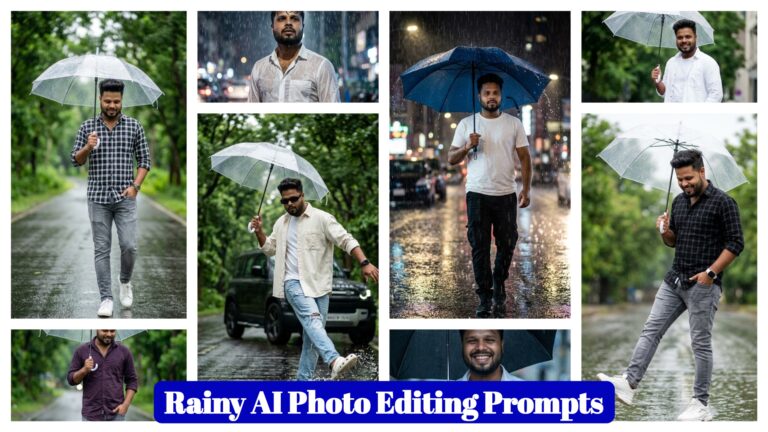
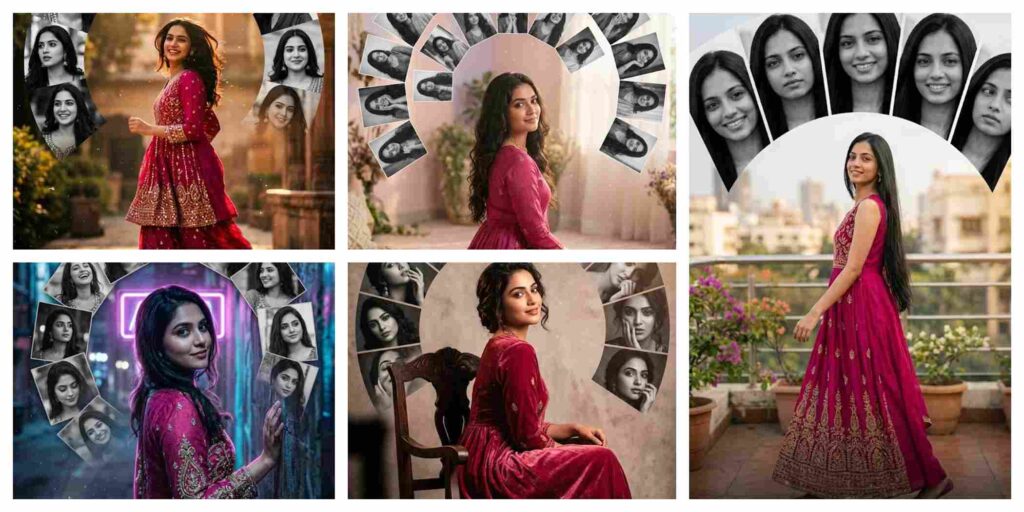
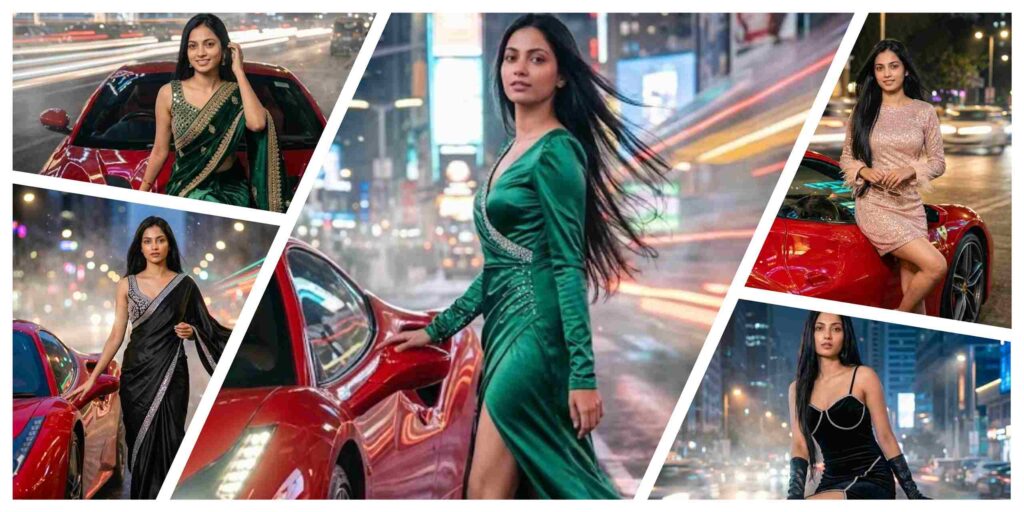
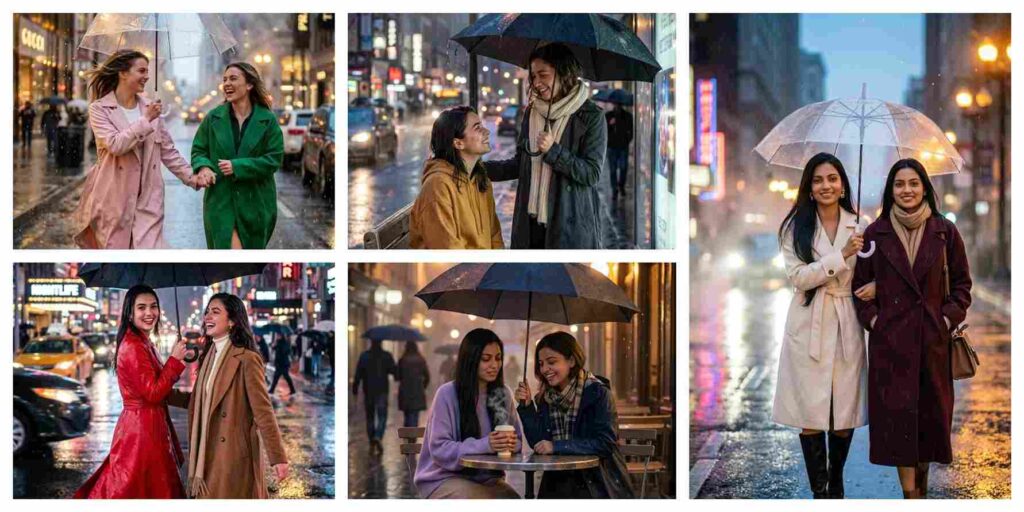
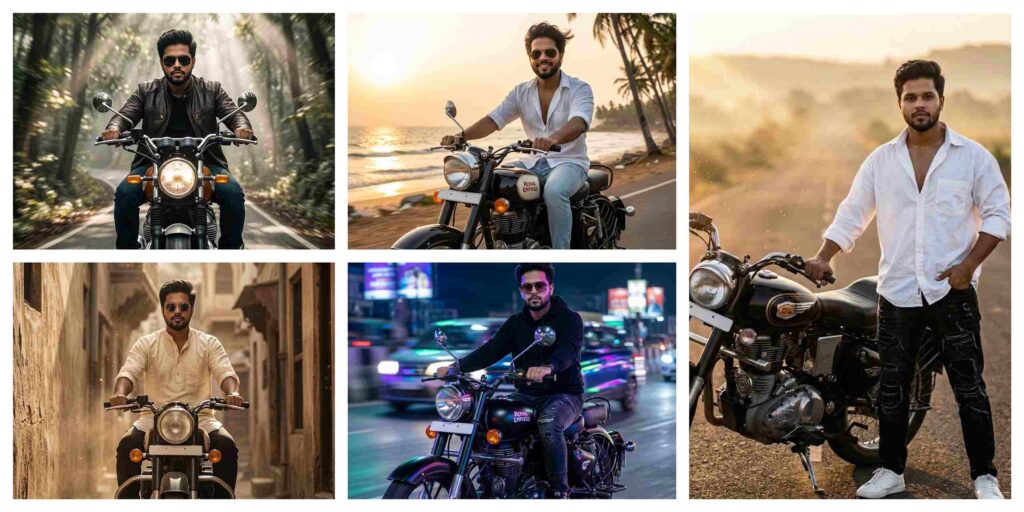
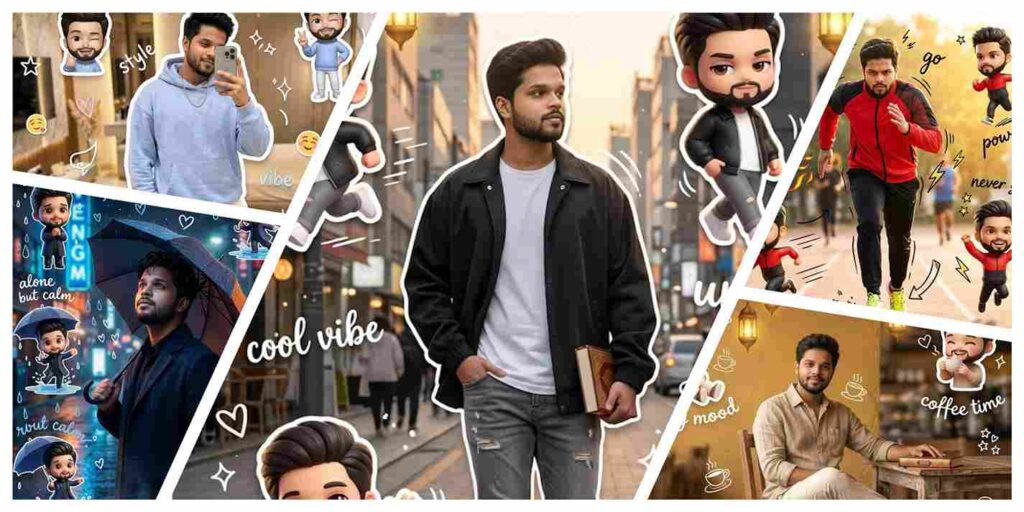
Welcome to AIGeminiPrompt.com – Best AI Prompt & AI Image Generator Platform for Gemini Prompt Ideas in 2026
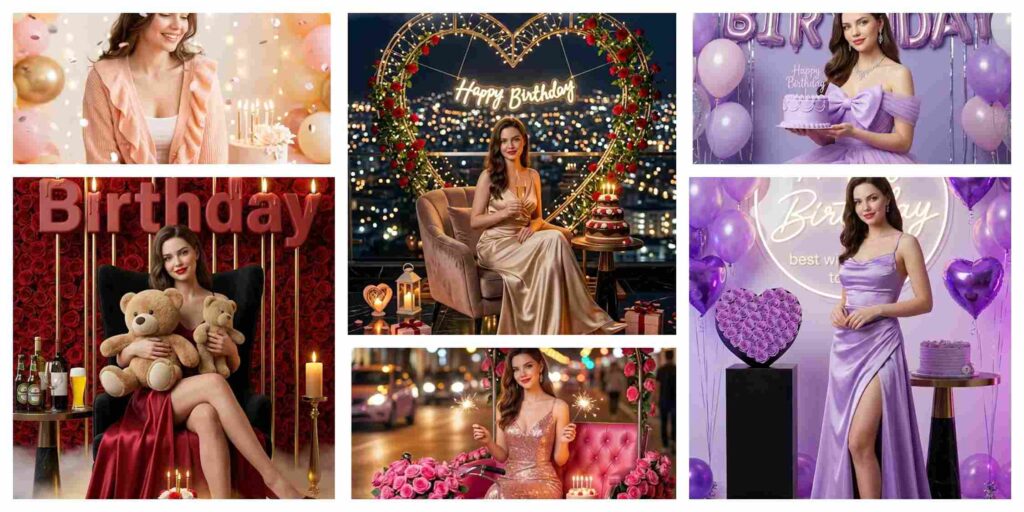
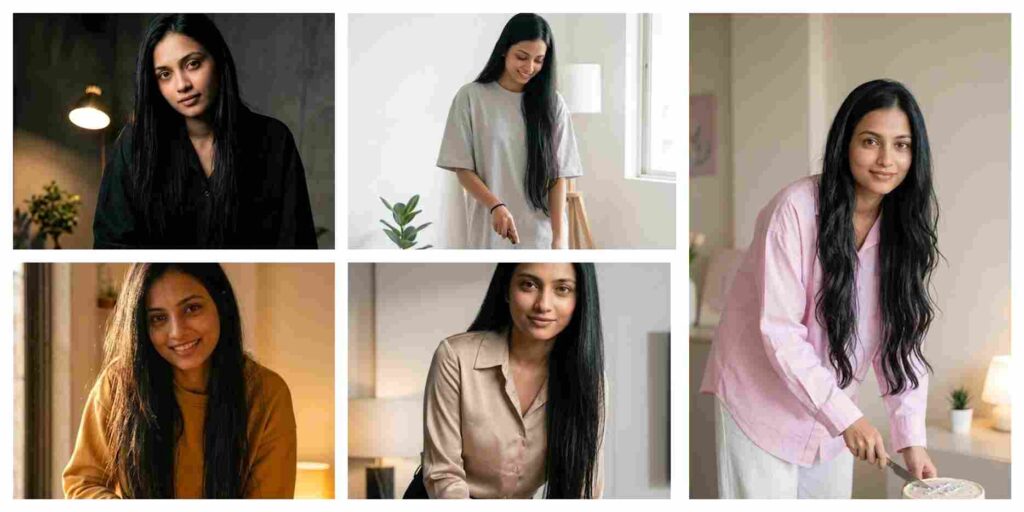
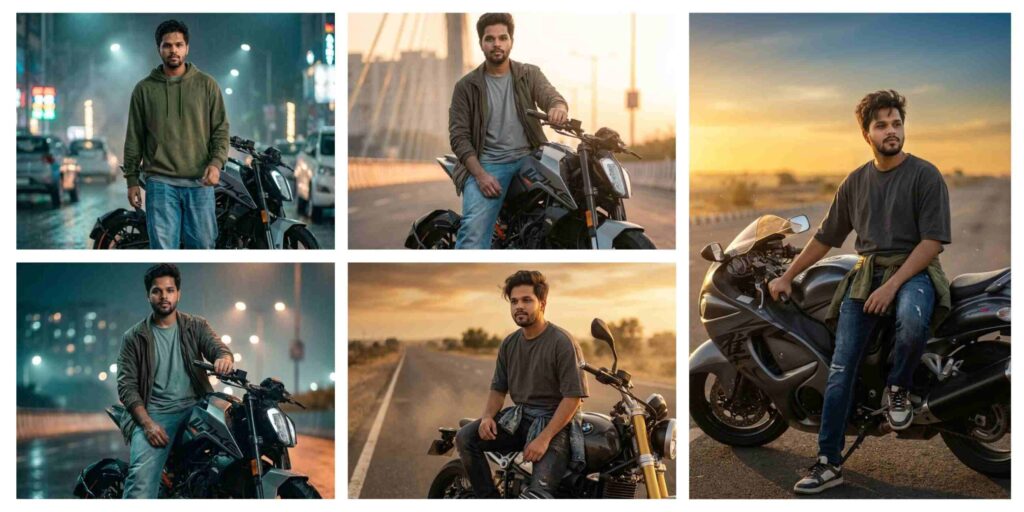
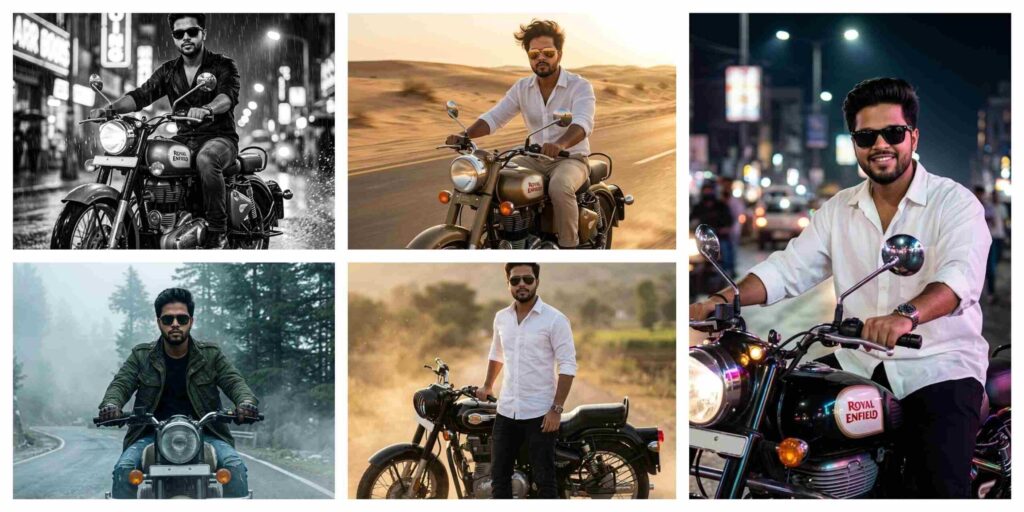
If you are searching for the best AI Prompt, AI Image Generator, and trending Gemini Prompt ideas for Google Gemini and ChatGPT, you are in the right place. At AIGeminiPrompt.com, we share the latest AI photo editing prompts, cinematic AI image ideas, and professional AI-generated content prompts to help creators generate ultra-realistic visuals in seconds.
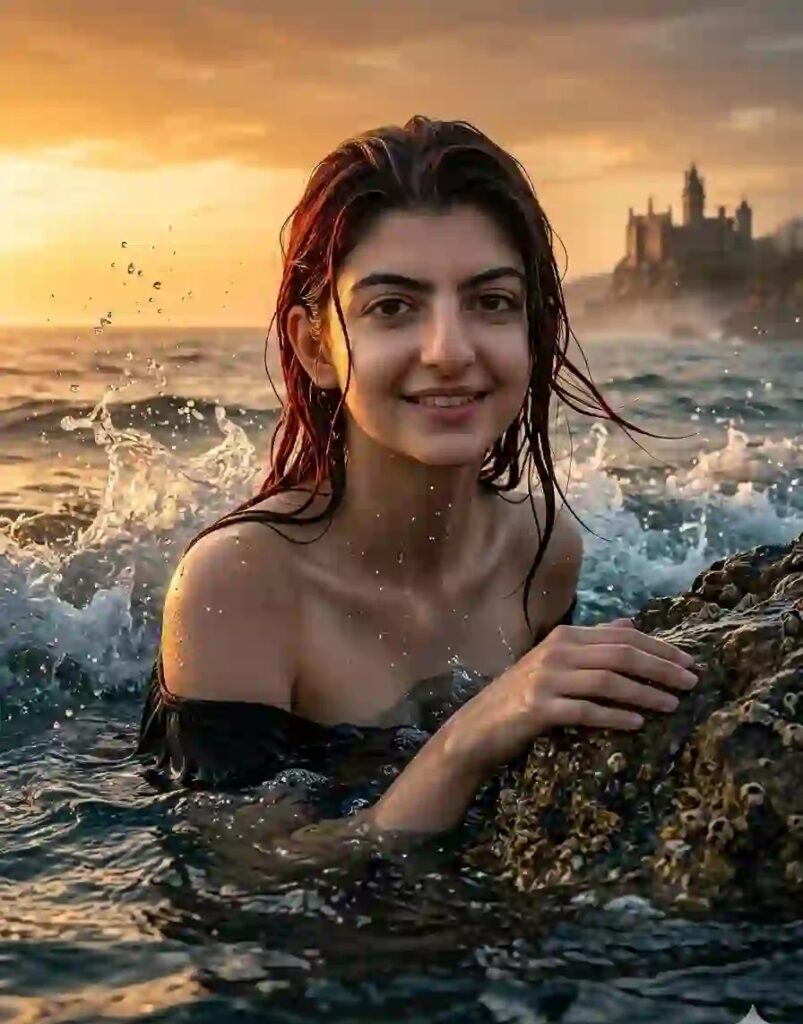
Create an ultra-realistic 8K cinematic ocean portrait (use the uploaded reference image for exact face, identity, and skin tone), designed with extreme face clarity, dramatic water motion, and high-end cinematic realism. FACE LOCK — ZERO MODIFICATION POLICY Use the uploaded reference image as the exact facial identity source. Face must remain 100% identical. Preserve exact facial structure, jawline, cheekbones, nose, lips, and natural skin tone. No beautification, no smoothing, no reshaping. FACE CLARITY — EXTREME HD MASTER PRIORITY Face must be razor-sharp, ultra-HD, crystal-clear with visible pores, fine skin texture, and micro-details. No blur, no softness, no glow distortion. Face must remain the sharpest element even in intense motion. ASPECT RATIO • 3:4 vertical STYLE Ultra-realistic DSLR cinematic photography, ocean fantasy aesthetic, 8K ultra detail, RAW clarity, high dynamic range. SCENE A powerful ocean environment with massive waves rising around, filled with mist, splash, and dramatic movement under a glowing sunset sky. POSE • Rising from deep ocean water • One hand gripping a rough wet rock • Body partially submerged • Strong upward motion pose EXPRESSION • Strong emotional look with subtle happiness • Confident and calm intensity • Eyes sharp and deeply expressive OUTFIT • Natural wet styling • Minimal cinematic clothing or skin-based realism • Slight water shine for realism WATER & PROPS • Large waves splashing dynamically • Water droplets frozen mid-air • Foam and mist around subject • Rock element for interaction HAIR • Wet red hair • Flowing naturally with wave motion • Strands sticking to skin LIGHTING • Orange and golden sunset lighting • Backlight creating glow edges • Realistic reflections on water and skin COLOR GRADING • Warm golden + deep blue tones • Cinematic contrast • Slight magical tone BACKGROUND • Ocean horizon • Castle far away on cliffs • Slight fog for depth CAMERA & COMPOSITION • DSLR 85mm lens • Low-angle cinematic shot • Motion freeze (NO blur on face) • Ultra sharp face focus MOOD & TONE • Dramatic • Powerful • Magical • Cinematic NEGATIVE PROMPT face blur, motion blur on face, identity mismatch, plastic skin, CGI look, distortion, low resolution TEXT / SIGNATURE Add “Geminiaiprompt.in” at the bottom-left corner, HANDWRITTEN SIGNATURE-STYLE typography, thin cursive strokes, small size, subtle premium elegance, white or soft off-white color.
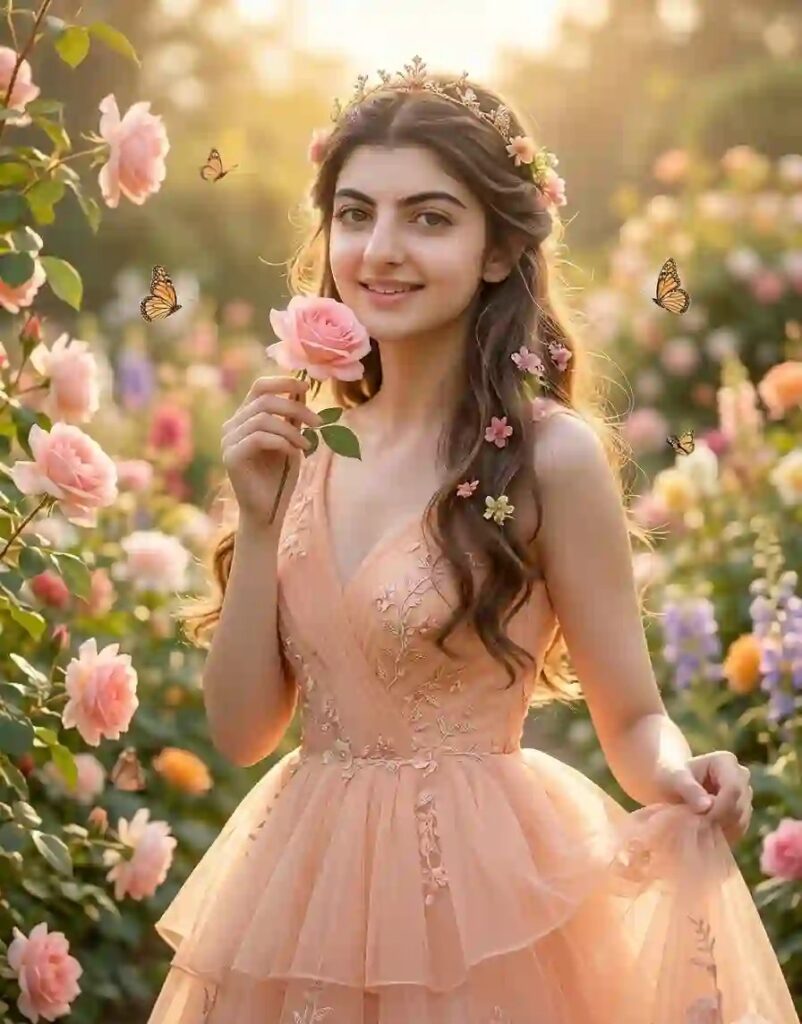
Create an ultra-realistic 8K cinematic Disney-style princess portrait using the uploaded image as the exact face reference. The face must remain 100% identical with no changes in structure, proportions, or skin tone. Maintain natural skin texture, pores, and real human detail with ultra-HD sharpness. FACE LOCK — STRICT IDENTITY RULE Use the uploaded image as the exact facial identity. Do not modify any facial features. Preserve original jawline, eyes, nose, lips, and natural skin tone. No beautification, no smoothing, no reshaping. FACE CLARITY — ULTRA HD PRIORITY Face must be razor-sharp, crystal-clear, and highly detailed with visible pores, eyelashes, and natural skin texture. No blur, no softness, no glow distortion. Face must be the sharpest element in the entire image. ASPECT RATIO • 3:4 vertical STYLE Ultra-realistic DSLR photography, cinematic Disney princess aesthetic, 8K resolution, RAW clarity, 85mm lens, shallow depth of field. SCENE A beautiful spring flower garden filled with blooming roses, colorful flowers, butterflies, and soft sunlight creating a dreamy fairytale environment. POSE Standing gently among flowers, one hand holding a flower near face, other hand holding part of gown, body slightly angled for natural composition. EXPRESSION Soft happy smile, innocent and joyful expression, eyes bright, clear, and lively. OUTFIT Elegant pastel princess gown (light pink, peach, or baby blue) with flowing fabric, soft layers, and fine embroidery details. HAIR Long soft hair with gentle waves, decorated with small flowers or a delicate crown. LIGHTING Soft golden daylight, natural highlights on face, smooth shadows, slight magical glow. COLOR GRADING Pastel tones + warm golden highlights, soft cinematic finish. BACKGROUND Garden full of flowers, butterflies, soft blur depth-of-field, dreamy atmosphere. IMPORTANT Face must remain ultra-sharp and realistic. No blur, no cartoon look, no CGI effect. NEGATIVE PROMPT blurry face, low quality, identity mismatch, plastic skin, distortion, over-smoothing, cartoon style TEXT / SIGNATURE Add “Geminiaiprompt.in” at the bottom-left corner, handwritten cursive style, small size, white or soft off-white color.
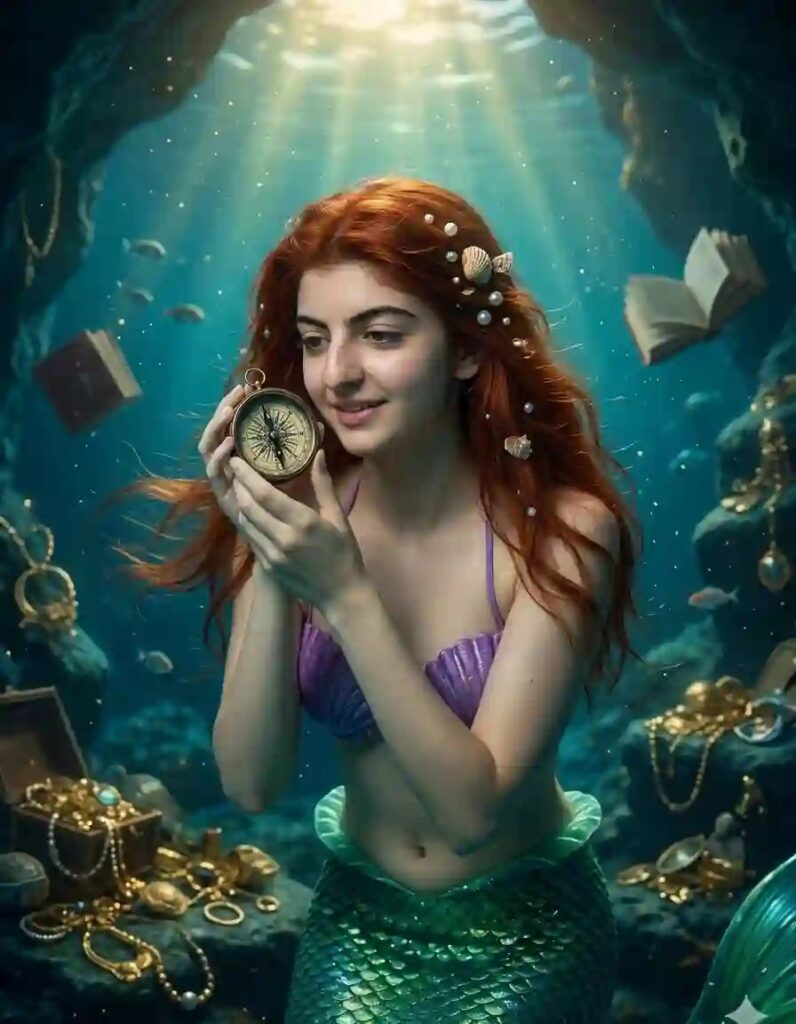
Create an ultra-realistic 8K cinematic underwater mermaid portrait (use the uploaded reference image for exact face, identity, and skin tone), designed with extreme face clarity, rich underwater detail, and magical storytelling realism. FACE LOCK — ZERO MODIFICATION POLICY Use the uploaded reference image as the exact facial identity source. Face must remain 100% identical with zero change. Preserve exact facial structure, jawline, cheekbones, nose, lips, and natural skin tone. No beautification, no smoothing, no reshaping. FACE CLARITY — EXTREME HD MASTER PRIORITY Face must be razor-sharp, ultra-HD, crystal-clear with visible pores, fine skin texture, and micro-details. No blur, no softness, no glow distortion. Face must remain the sharpest element even underwater. ASPECT RATIO • 3:4 vertical STYLE Ultra-realistic DSLR cinematic underwater fantasy, 8K ultra detail, RAW clarity, high-end visual storytelling. SCENE A deep underwater cave filled with ancient treasures, glowing objects, scattered books, gold jewelry, and mysterious artifacts creating a magical exploration vibe. POSE • Floating gently underwater • Holding a small old compass close to face • Body slightly tilted in water • Natural weightless movement EXPRESSION • Curious and fascinated look • Soft happy expression • Eyes wide, sharp, and engaging OUTFIT • Purple shell top • Green mermaid tail with shiny detailed scales • Subtle reflections from water light PROPS & DETAILS • Old compass with vintage design • Floating books and jewelry • Treasure elements around • Small fish swimming nearby HAIR • Long wet red hair • Flowing naturally in water • Decorated with pearls and small shells LIGHTING • Sunlight rays entering from above water • Soft glowing beams through water • Natural highlights on face COLOR GRADING • Blue-green underwater tones • Golden highlights from treasure • Cinematic magical balance BACKGROUND • Cave interior • Treasure scattered • Soft particles floating in water • Depth and darkness contrast CAMERA & COMPOSITION • DSLR 85mm lens • Close-up cinematic framing • Depth-of-field separation • Ultra sharp face focus MOOD & TONE • Magical • Curious • Adventurous • Cinematic NEGATIVE PROMPT face blur, motion blur on face, identity change, plastic skin, CGI look, distortion, low resolution TEXT / SIGNATURE Add “Geminiaiprompt.in” at the bottom-left corner, HANDWRITTEN SIGNATURE-STYLE typography, thin cursive strokes, small size, subtle premium elegance, white or soft off-white color.
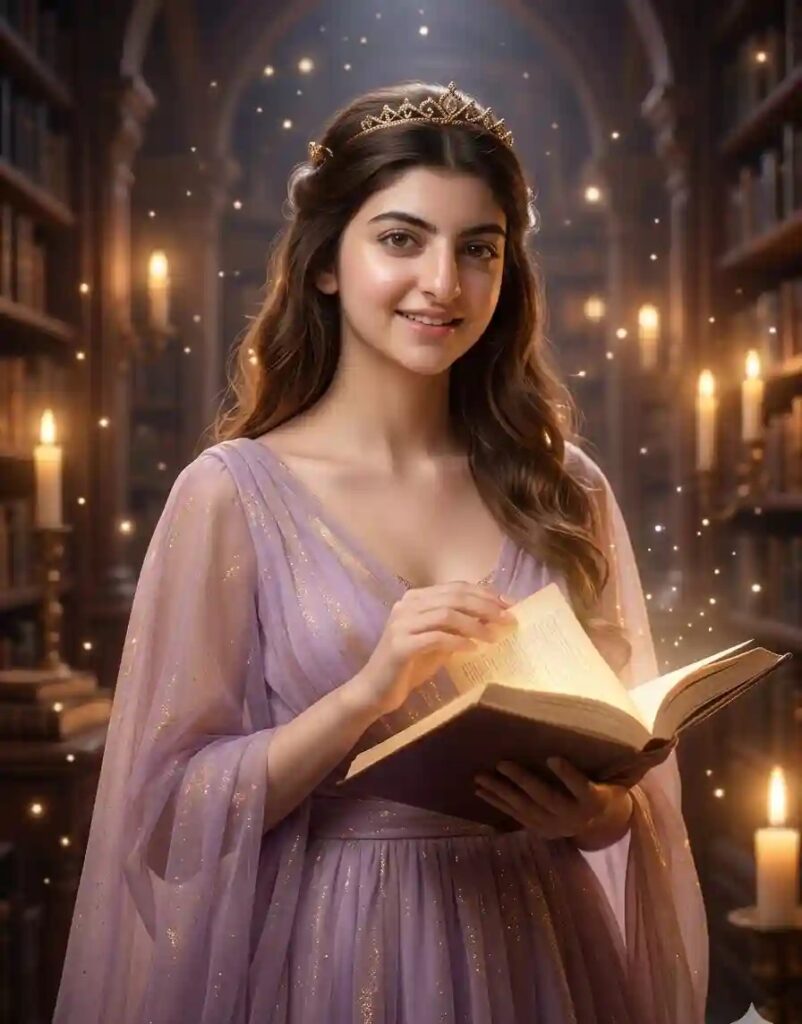
Create an ultra-realistic 8K cinematic Disney-style princess portrait using the uploaded image as the exact face reference. Keep the face 100% identical with no modifications. Ensure extreme HD clarity, natural skin detail, and perfect identity match. FACE LOCK — STRICT IDENTITY RULE Use the uploaded image as the exact facial identity. Do not alter any facial features or skin tone. No smoothing, no reshaping, no artificial edits. FACE CLARITY — ULTRA HD PRIORITY Face must be ultra-HD, razor sharp, and crystal-clear with visible pores and realistic skin texture. Face must be the most detailed and focused element. ASPECT RATIO • 3:4 vertical STYLE Ultra-realistic DSLR photography, cinematic fantasy princess aesthetic, 8K resolution, RAW clarity, 85mm lens, depth-of-field effect. SCENE A grand magical library filled with tall bookshelves, glowing candles, floating light particles, and a royal fantasy atmosphere. POSE Standing near bookshelf, one hand holding an open glowing book, other hand gently touching pages, slight body angle for cinematic look. EXPRESSION Curious and happy expression, soft smile, eyes sharp and engaged. OUTFIT Elegant princess gown (lavender, gold, or soft blue) with flowing fabric and subtle shimmer details. HAIR Long styled hair with soft waves, optional tiara or small crown. LIGHTING Warm candlelight mixed with soft magical glow, gentle highlights on face, cinematic lighting balance. COLOR GRADING Warm gold + brown + soft magical tones, cinematic contrast. BACKGROUND Bookshelves, candles, glowing particles, depth-of-field blur for realism. IMPORTANT Face must remain ultra sharp and realistic. No blur, no fake skin, no CGI distortion. NEGATIVE PROMPT blurry face, low resolution, identity change, plastic skin, distortion, cartoon look TEXT / SIGNATURE Add “Geminiaiprompt.in” at the bottom-left corner, handwritten cursive style, small size, white or soft off-white color.
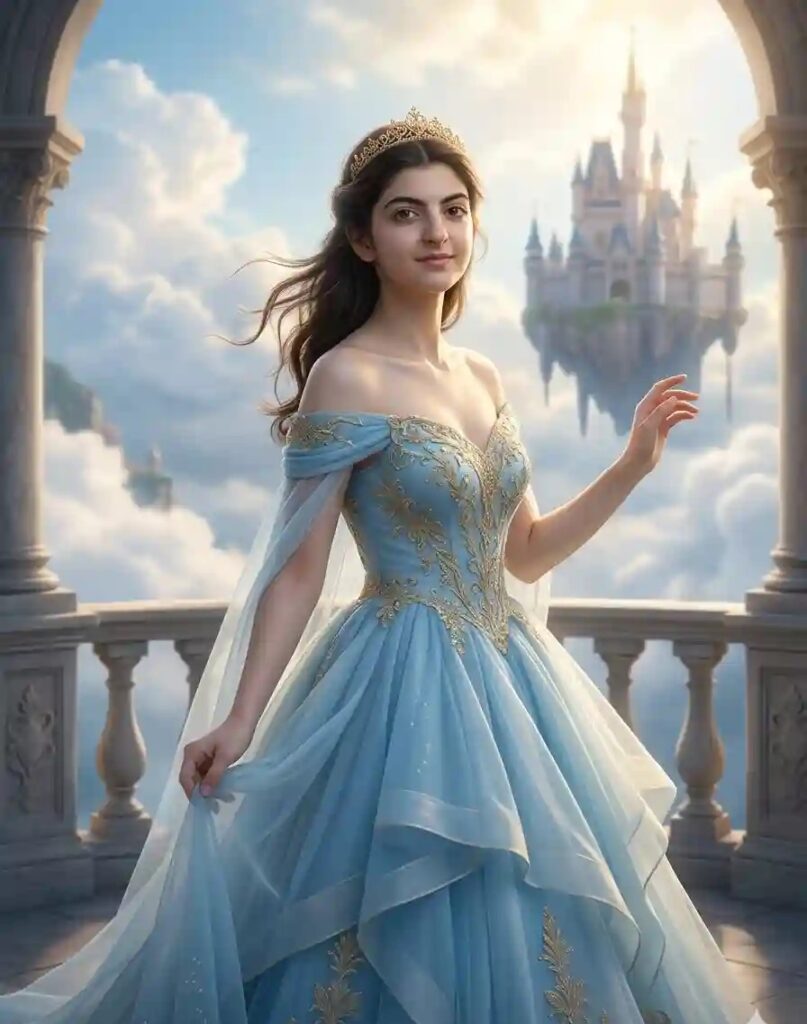
Create an ultra-realistic 8K cinematic Disney-style princess portrait using the uploaded image as the exact face reference. The face must remain 100% identical with zero modification in structure, proportions, or skin tone. Preserve natural skin texture, pores, and real human details with extreme HD sharpness. FACE LOCK — STRICT IDENTITY RULE (NO CHANGE ALLOWED) Use the uploaded image as the exact facial identity. Do not alter any facial features including jawline, eyes, nose, lips, or skin tone. No beautification, no smoothing, no reshaping. Face must look exactly like the real person. FACE CLARITY — EXTREME ULTRA HD PRIORITY Face must be razor-sharp, crystal-clear, and highly detailed with visible pores, eyelashes, and skin texture. No blur, no softness, no glow distortion. Face must be the sharpest and most focused element even in bright sky lighting. ASPECT RATIO • 3:4 vertical STYLE Ultra-realistic DSLR photography, cinematic fantasy princess aesthetic, 8K resolution, RAW clarity, 85mm lens, shallow depth of field, high dynamic range. SCENE (HIGH DETAIL) A magical sky kingdom with floating clouds, a grand castle suspended in the sky, soft glowing atmosphere, and golden sunlight spreading across clouds creating a heavenly fairytale environment. POSE (ROYAL + LIGHT MOTION) Standing on a cloud platform or balcony, body slightly angled, one hand gently holding flowing dress, other hand slightly raised as if feeling the wind. Balanced elegant posture. EXPRESSION (EMOTIONAL DETAIL) Soft happy smile, calm and dreamy expression, eyes bright, sharp, and full of life. OUTFIT (HIGH DETAIL) Elegant princess gown (white, sky blue, or soft gold) with flowing layers, light fabric movement, fine embroidery, and subtle shimmer reflecting sunlight. HAIR (REALISTIC MOTION) Long soft hair with natural waves, gently flowing with wind, decorated with a delicate crown or tiara. LIGHTING (CINEMATIC) Bright golden sunlight from above and behind, soft rim lighting around subject, gentle highlights on face, natural shadows. COLOR GRADING Soft blue, white, and golden tones with cinematic contrast and dreamy glow. BACKGROUND (DEPTH + REALISM) Floating clouds, sky gradients, distant castle, depth-of-field blur for cinematic separation. CAMERA & COMPOSITION DSLR 85mm lens, slightly low-angle cinematic shot, centered subject, shallow depth of field, ultra sharp face rendering. IMPORTANT RULE Face must remain perfectly sharp, realistic, and unchanged. No blur, no cartoon effect, no CGI skin. NEGATIVE PROMPT blurry face, identity mismatch, over-smooth skin, plastic texture, distortion, cartoon style, low resolution TEXT / SIGNATURE Add “Geminiaiprompt.in” at the bottom-left corner, HANDWRITTEN SIGNATURE-STYLE typography, thin cursive strokes, small size, subtle premium elegance, white or soft off-white color.
Best ChatGPT Prompt for Romantic Couple Photos
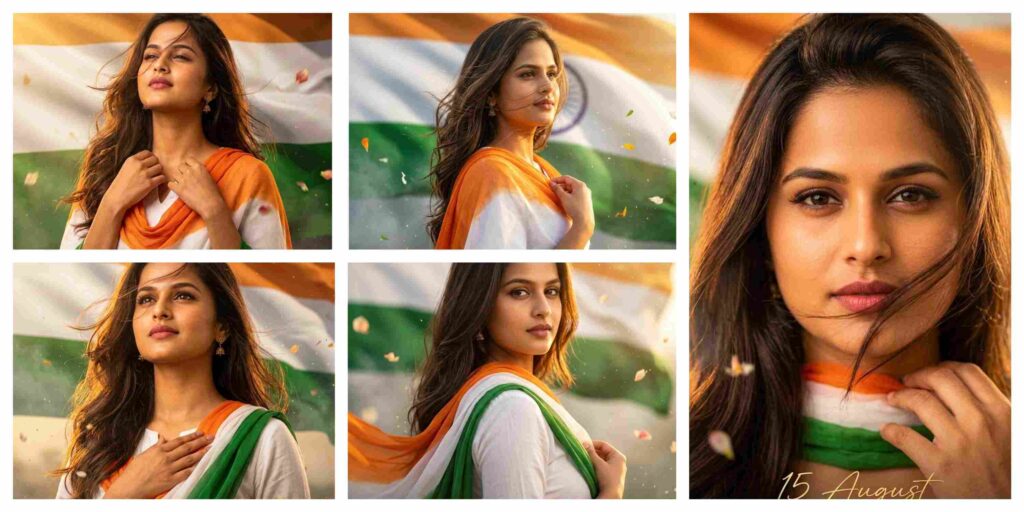
Best Gemini Prompt for Independence Day Photos of Indian Women
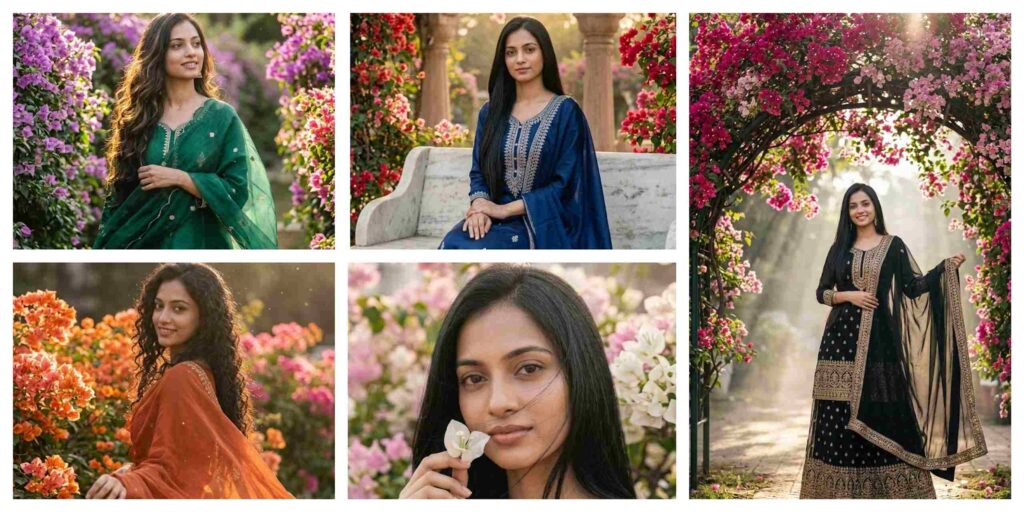
Luxury Traditional Fashion AI Prompt | Image Generator Gemini ChatGPT
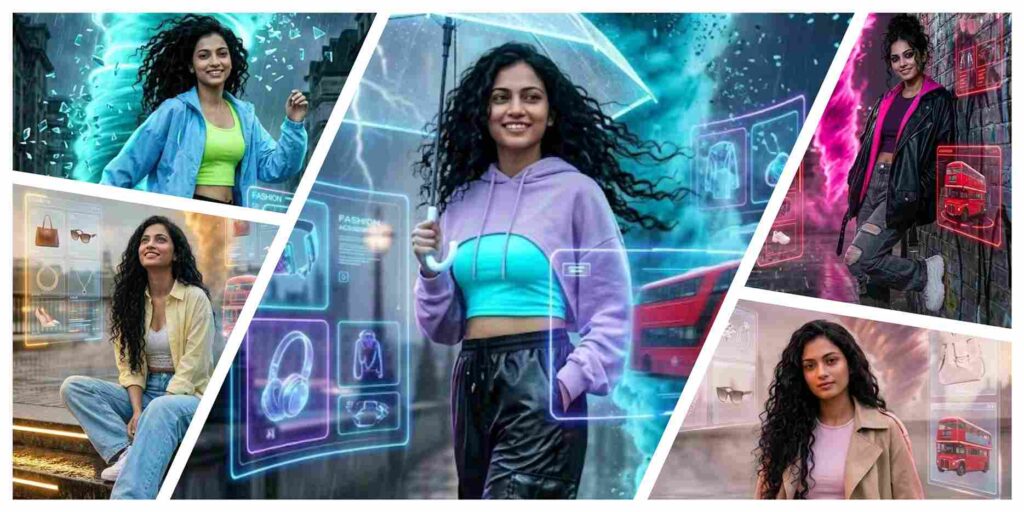
Dreamy Cyberpunk Girl Portrait AI Prompt | Gemini and ChatGPT
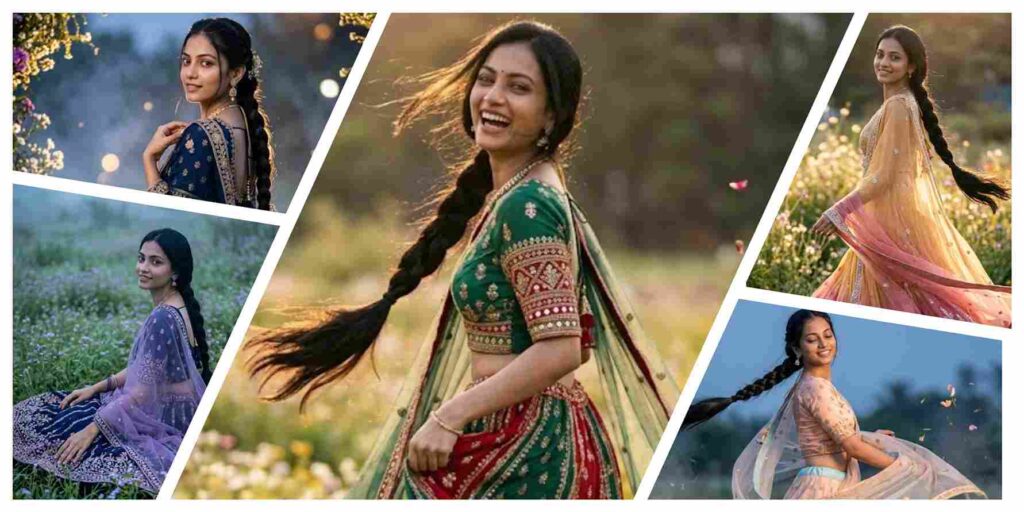
Fantasy Cinematic Motion Portrait AI Prompt | Gemini and ChatGPT
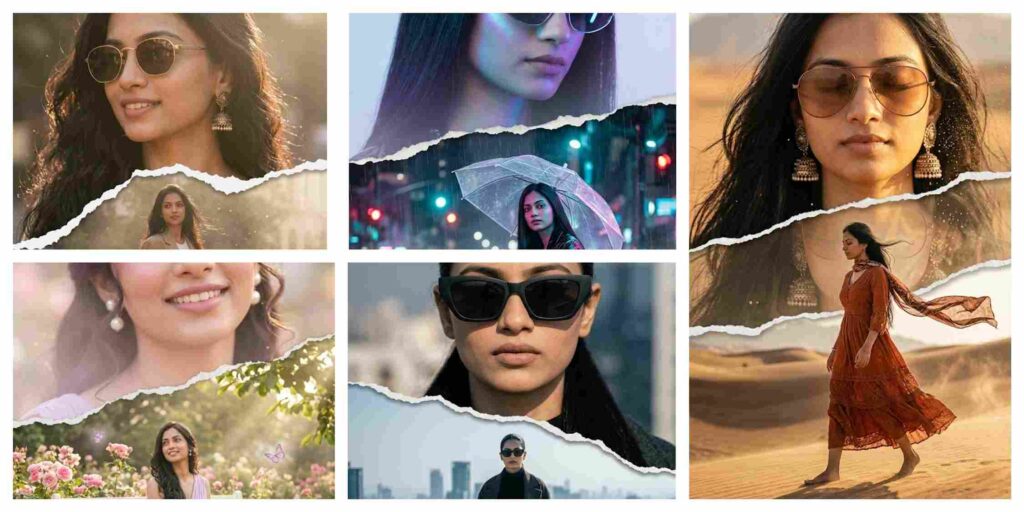
Instagram Viral Aesthetic AI Prompt | Gemini and ChatGPT
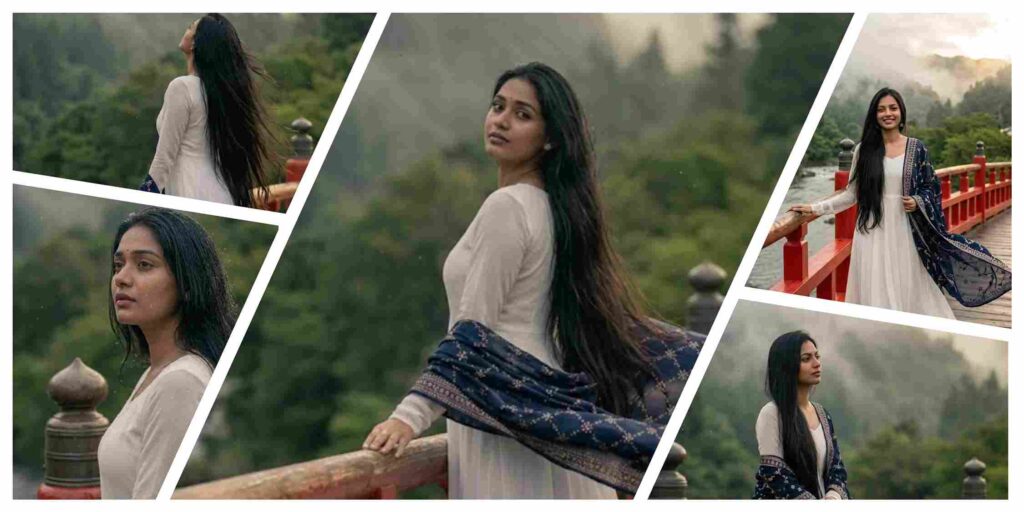
Cinematic Red Bridge Portrait AI Prompt | Gemini and ChatGPT
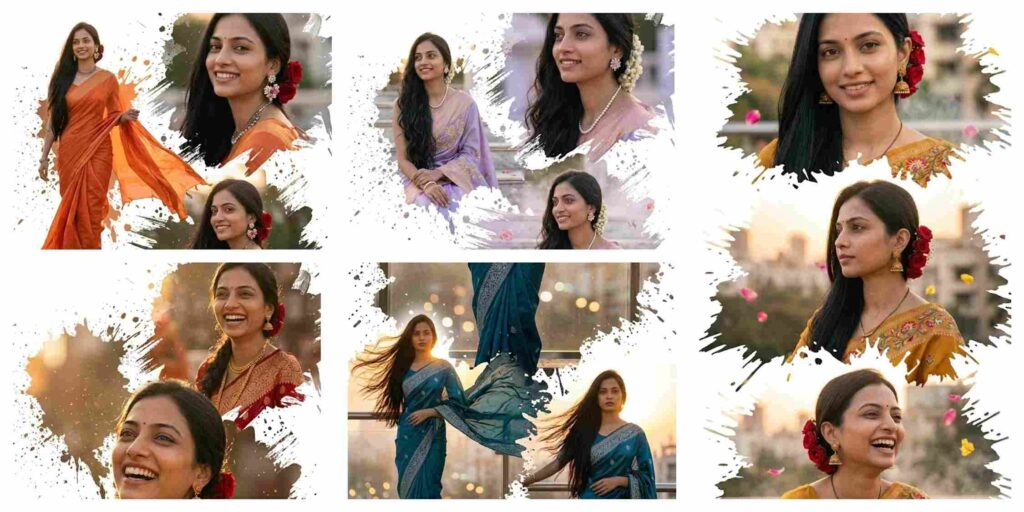
Instagram Viral Editorial Collage AI Prompt | Gemini and ChatGPT
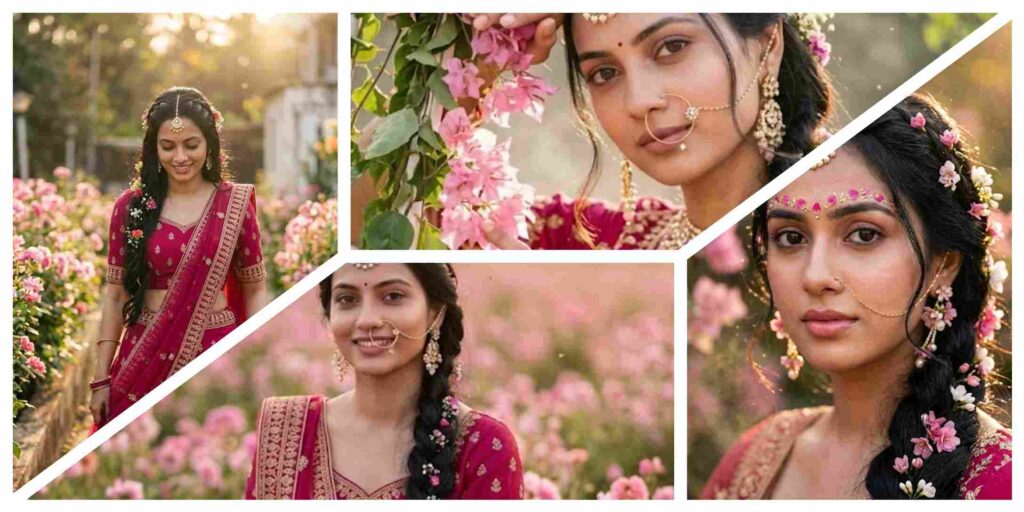
Best Floral Aesthetic AI Prompt | Gemini and ChatGPT
Our platform provides high-quality AI prompts for:
- AI Image Generator prompts for cinematic and realistic images
- Gemini Prompt ideas for social media and viral content
- AI Prompt collections for branding and marketing creatives
- AI-generated product photography prompts for eCommerce stores
- AI image editing prompts for Instagram, YouTube, and gaming profiles
- Professional AI visuals for business branding and advertising campaigns
With advanced AI tools like Google Gemini and ChatGPT becoming more powerful in 2026, using the right AI Prompt is the key to generating professional-quality results. That’s why AIGeminiPrompt.com shares step-by-step tutorials, trending prompt ideas, and powerful Gemini Prompt collections for creators, designers, marketers, and AI enthusiasts.
Discover Trending AI Prompt Categories
At AIGeminiPrompt.com, you can explore:
- Cinematic portrait AI prompts
- Instagram viral photo editing prompts
- Gaming profile AI image prompts
- Travel photography AI prompts
- Festival and neon style AI edits
- AI-generated business branding visuals
- AI Image Generator prompts for advertising campaigns
- Product photography prompts for eCommerce stores
All prompts are optimized for Google Gemini and ChatGPT to create realistic lighting, sharp details, cinematic effects, and professional-quality outputs.
How To Use AI Prompt on Gemini and ChatGPT
Step 1: Open Gemini or ChatGPT
Open Google Gemini or ChatGPT on your device and log in to your account.
Step 2: Upload Your Photo (Optional)
Upload a clear reference image if the AI Prompt requires a face or profile image.
Step 3: Copy the Gemini Prompt
Choose and copy any trending Gemini Prompt from AIGeminiPrompt.com.
Step 4: Paste the AI Prompt
Paste the prompt into Gemini or ChatGPT without changing the instructions.
Step 5: Generate AI Images
Click Generate to create cinematic, ultra-realistic, and high-quality AI-generated images instantly.
Step 6: Download and Share
Download your AI-generated image and use it for Instagram, YouTube thumbnails, branding, gaming profiles, advertising, or personal content creation.
AI Image Generator for Professional Branding
An AI Image Generator helps businesses and creators generate logos, product visuals, social media graphics, and professional branding materials quickly. With the right AI Prompt, businesses can maintain consistent colors, styles, and visual identity while saving time and production costs.
AI Prompt for Advertising Visuals and Marketing Campaigns
A professional Gemini Prompt can help brands create advertising creatives, banner designs, promotional graphics, and marketing visuals with realistic quality. AI-generated marketing content helps improve engagement and speeds up content production.
AI Prompt for Social Media Content and Viral Posts
AI-powered visual design tools help creators generate eye-catching reels covers, Instagram posts, YouTube thumbnails, and viral social media content. A strong AI Prompt improves consistency, branding, and audience engagement across all platforms.
AI Image Generator for E-Commerce Product Photography
An advanced AI Image Generator allows businesses to create realistic product images for Amazon, Flipkart, Shopify, and online stores. AI improves lighting, background quality, and product presentation to increase conversions.
AI Prompt for Photo Editing and Creative Design
AI photo editing prompts help users create cinematic portraits, festival edits, neon effects, luxury lifestyle photos, and realistic AI art without professional editing skills.
Benefits of Using AI Prompt and AI Image Generator
1. Fast and Time-Saving
Generate cinematic and professional-quality visuals within seconds.
2. Easy to Use
Anyone can create stunning AI images using a simple Gemini Prompt.
3. High-Quality Results
AI tools generate realistic 4K images with cinematic lighting and sharp details.
4. Unlimited Creativity
Create portraits, gaming edits, travel visuals, branding graphics, and viral content easily.
5. Perfect for Social Media
AI-generated images are ideal for Instagram posts, YouTube thumbnails, and digital branding.
6. Professional and Consistent Style
Well-written AI prompts help maintain a professional visual identity across platforms.
Final Words
The popularity of AI Prompt, AI Image Generator, and Gemini Prompt searches is growing rapidly in 2026. AIGeminiPrompt.com regularly shares trending AI prompts, tutorials, cinematic editing ideas, and creative AI image concepts for Google Gemini and ChatGPT users.
Bookmark AIGeminiPrompt.com and explore the latest AI Prompt collections to create stunning AI-generated visuals with ease. ✨